 Sabrfy
A prayer board for any TV
Open sabrfy.com/board on the masjid TV. Your times, iqamah, Jumuʿah and announcements.
For masjids
Your masjid’s prayer and iqamah times, Jumuʿah and announcements, big and quiet across the room. On any TV, free, no ads.
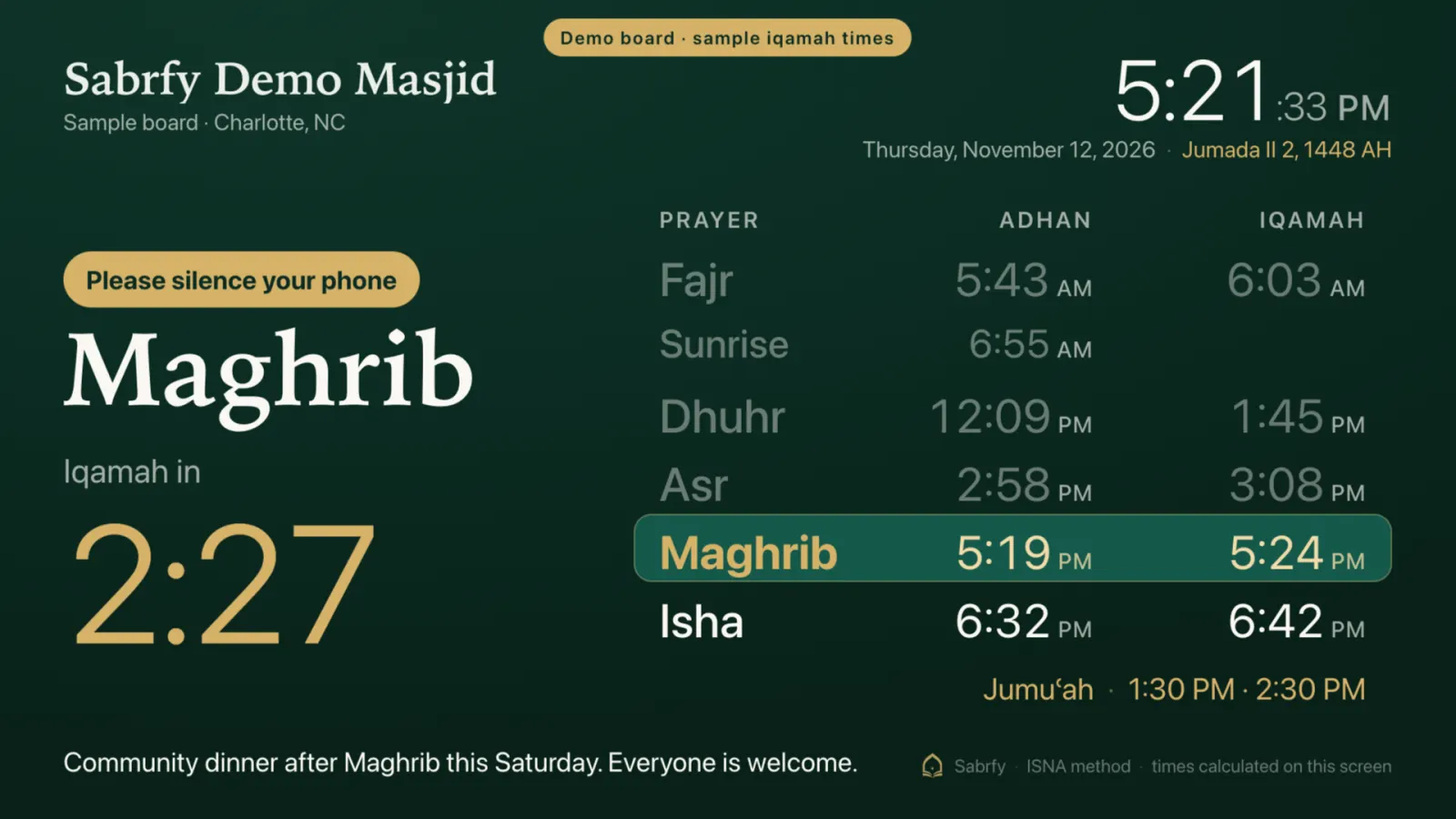
Adhan and iqamah side by side, the next one counting down, and a gentle "please silence your phone" before it. See it live →
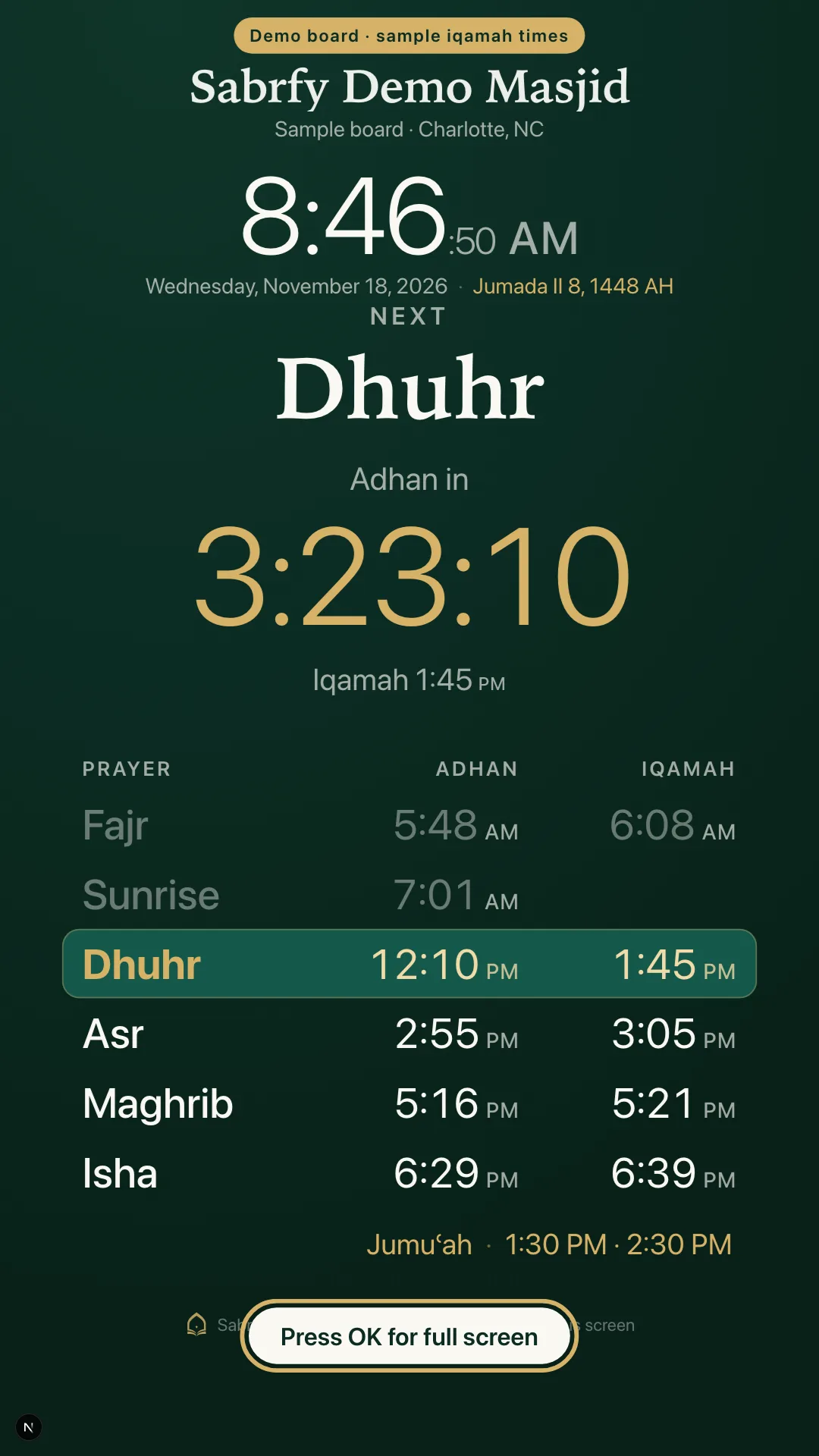
Mount the TV upright and the board turns with it — same times, same iqamah table, just the shape of a door instead of a window. See it live →
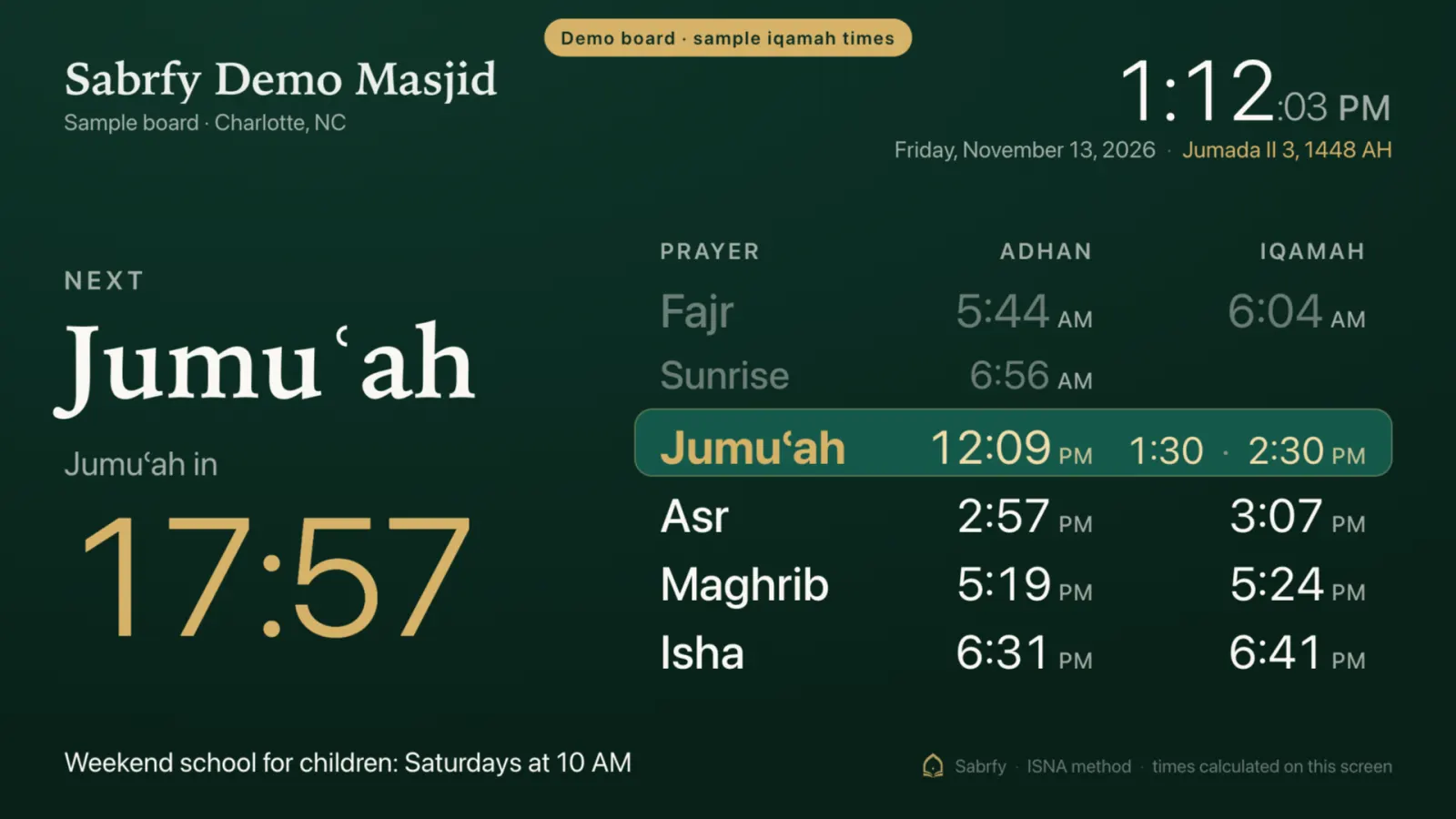
On Fridays the board shows your Jumuʿah shifts, with your announcements underneath. See it live →
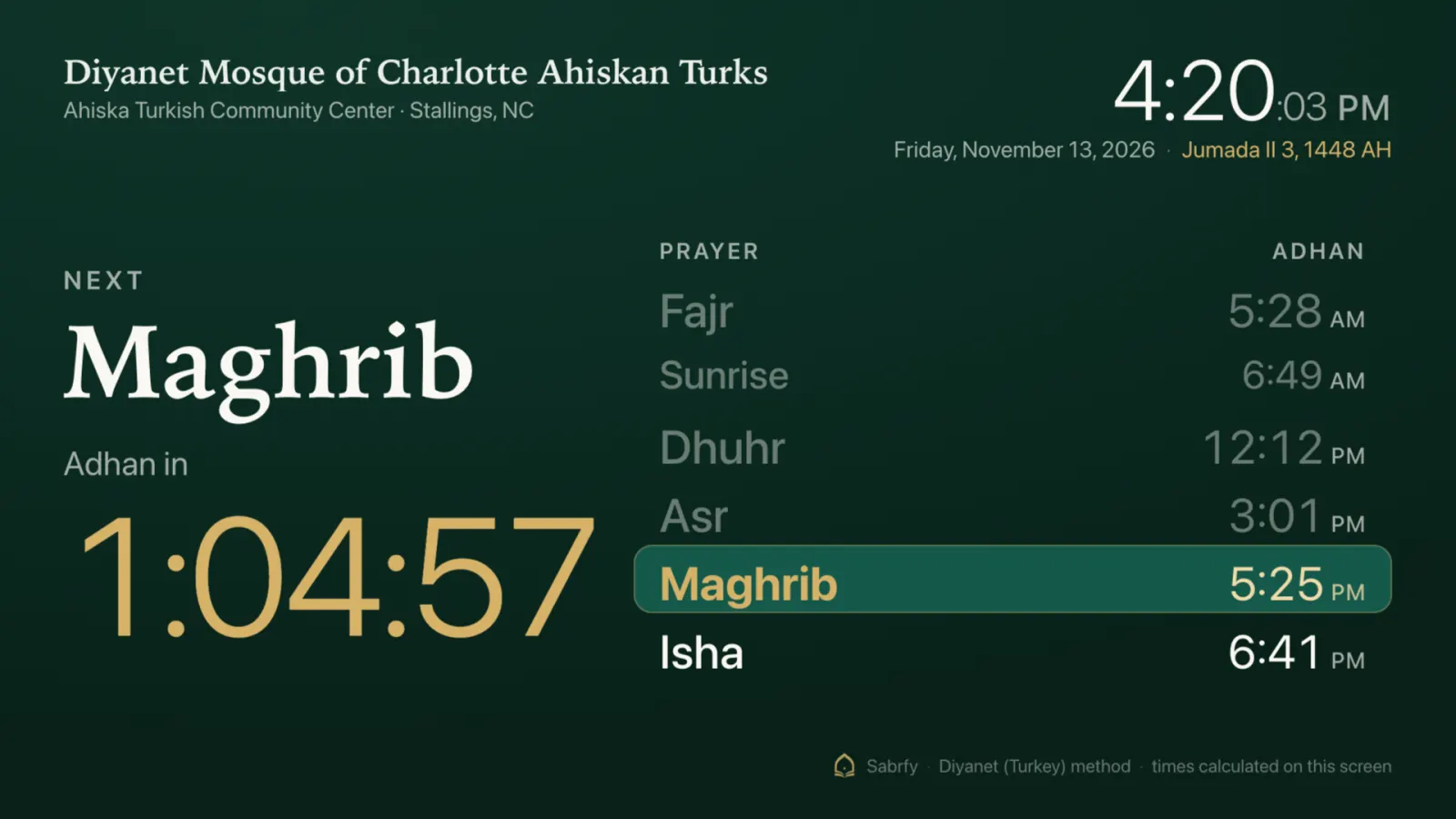
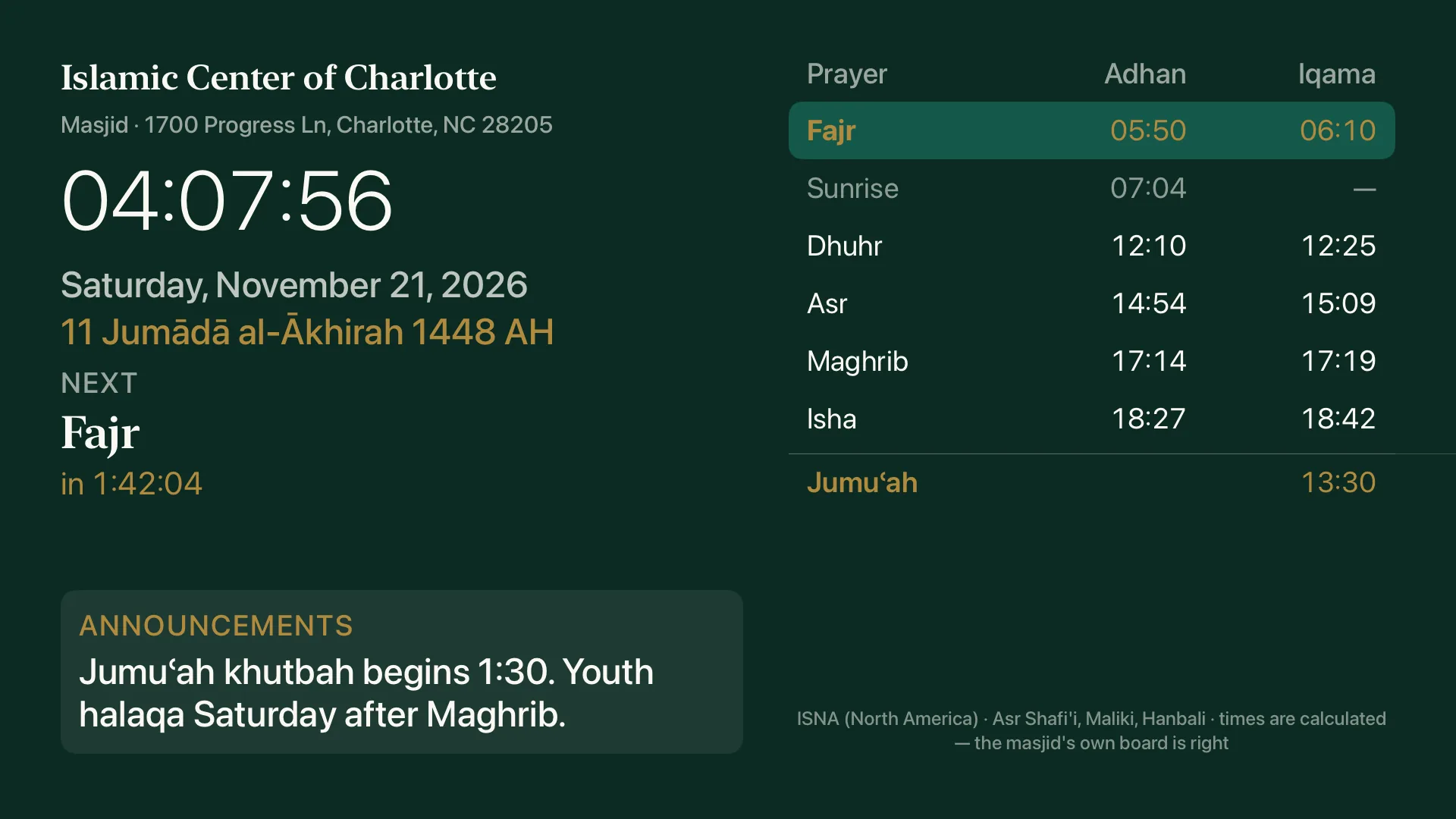
Our first masjid board, near Charlotte, NC: its own times for its exact place. See it live →
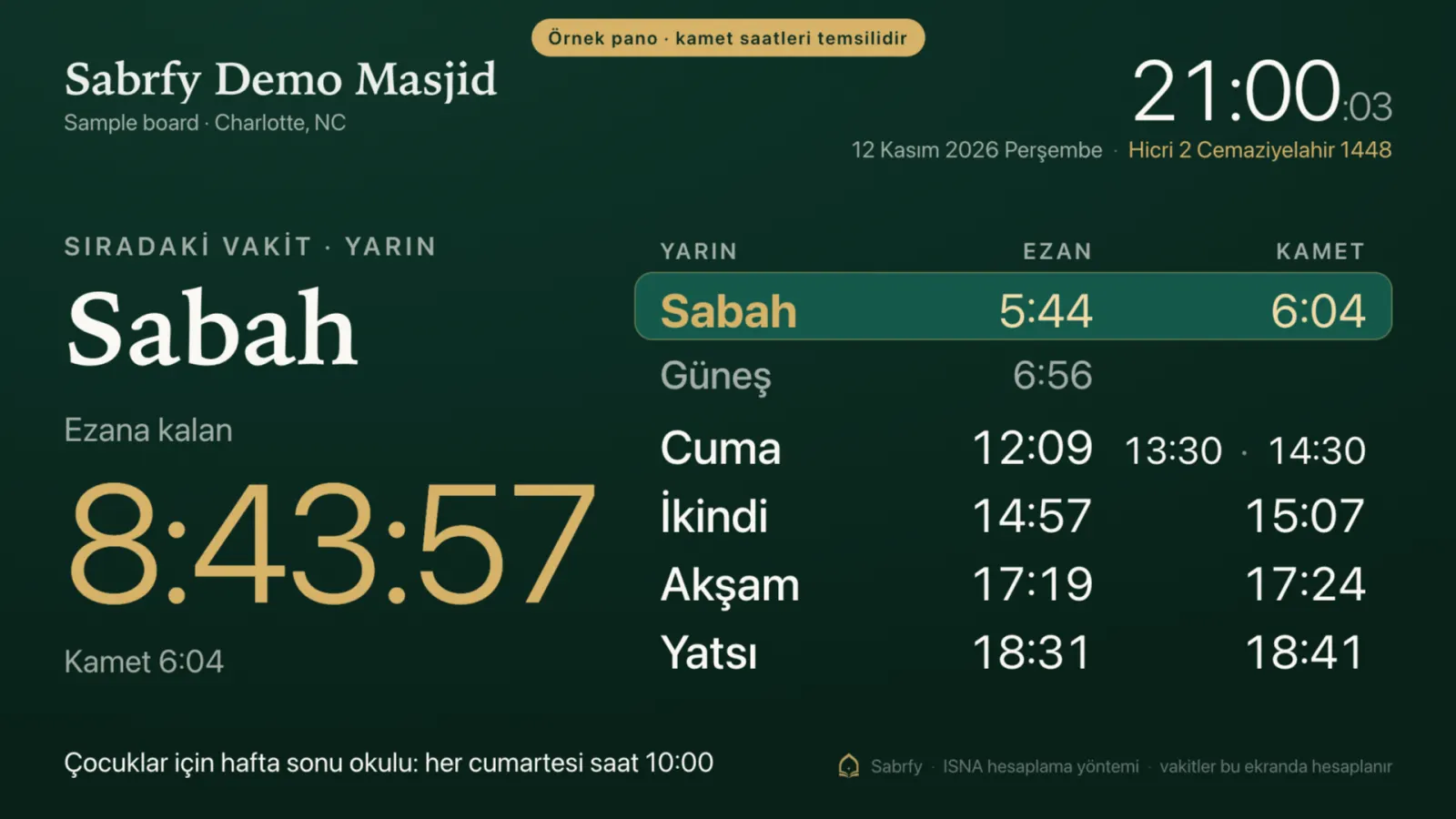
Labels in English or Turkish today (more on request), and after Isha it shows tomorrow’s times. See it live →
The same calm board as an Apple TV app, with an ayah a day. Remembers its settings and runs offline.
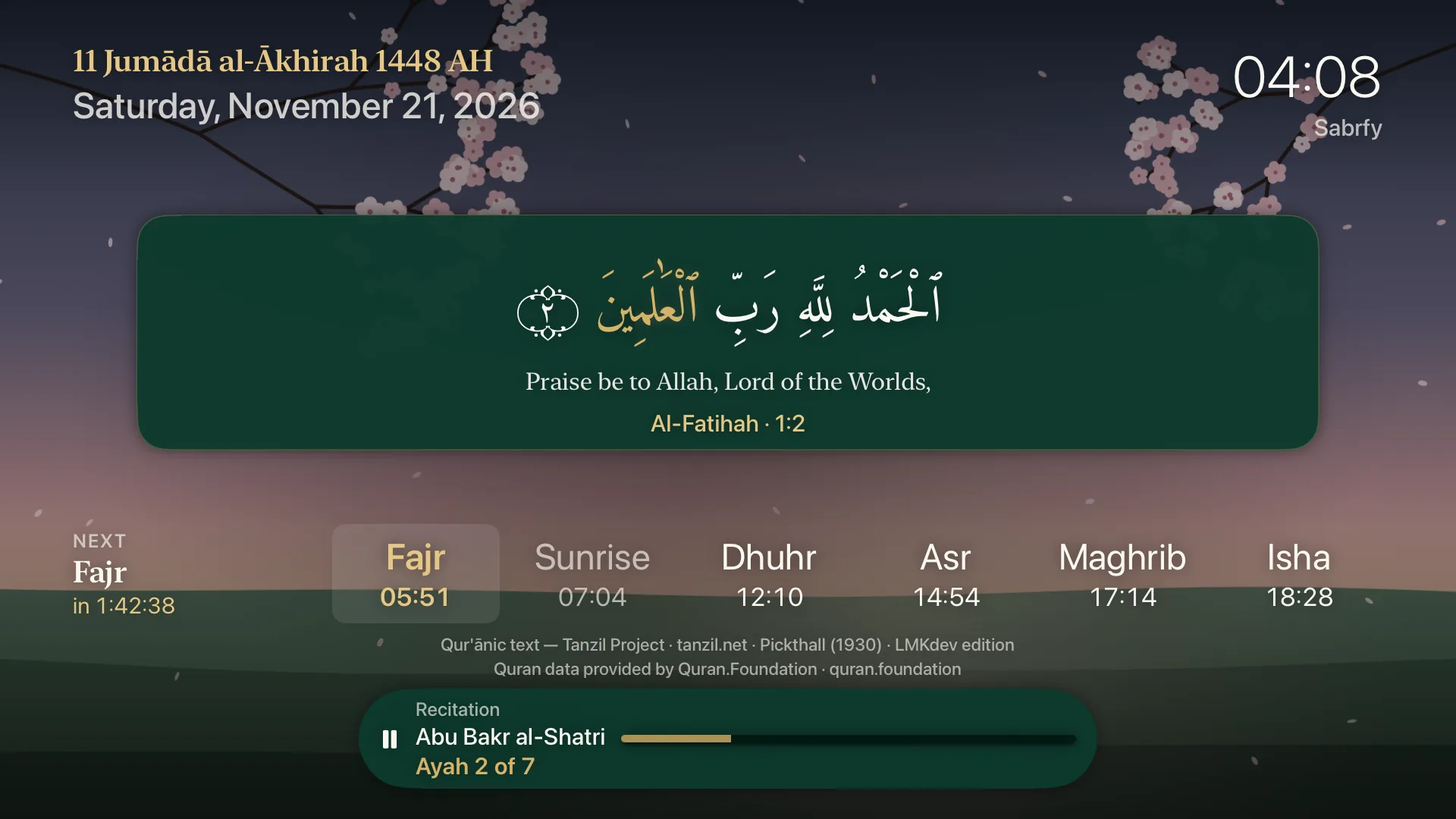
For families: today’s prayers and an ayah on the living-room TV, with Sabrfy on iPhone and Apple Watch. See it live →
Swipe through. Every screen is from today’s build.
No subscription, no ads, no catch. Sabrfy is funded by people who give, not by masjids.
Open sabrfy.com/board on the masjid TV. Your times, iqamah, Jumuʿah and announcements.
Install it from the beta and choose your masjid.
One page, every prayer for all 30 days, for your city. Print it for the notice board.
Send us your notices today and we add them; a page to type them yourself is coming.
A free page for every masjid: today’s times, Jumuʿah, directions. Your committee keeps the iqamah times and notices up to date.
No website yet? We can build a plain one for your masjid, free, under Sabrfy.
Not on your masjid’s committee? Send this to someone who is.
Pick your masjid from the directory. Times are worked out for its exact place and time zone, with the method you choose.
Set how long after each adhan your iqamah is, and your Jumuʿah time. The board shows both.
A gentle reminder appears in the minutes before each iqamah.
Type a short notice for the community and it shows on the board.
A suhoor and iftar countdown during the month.
A verified ayah from the Tanzil text with its meaning. The masjid board is silent: no audio.
A Fire TV Stick or the TV’s own browser is enough. The volunteer’s setup guide →
Nothing. Sabrfy is free, with no ads and no subscription, for masjids and for everyone.
Any TV with a web browser shows the board at sabrfy.com/board (a Fire TV Stick or the TV’s own browser; the setup guide walks a volunteer through it). Apple TV has its own masjid display, in beta.
Today there is one calm look, green and gold, made to read across a hall. Tell us your masjid’s colours and what you’d like with the form on this page, and we will set it up with you.
No. Prayer times are calculated on the Apple TV itself, so the board keeps working if the Wi-Fi drops.
Yes. Set the minutes after each adhan and your Jumuʿah time; the board shows adhan and iqamah side by side.
The masjid board is silent by design. Sabrfy’s separate home screen for Apple TV will add recitation soon, from reciters whose recordings we have permission to use.
You can type your masjid’s name, and add it to OpenStreetMap so everyone can find it. Tell us when you join and we’ll help.
Tell us your masjid and what you’d like: iqamah times, Jumuʿah, announcements, your colours, a page. Ryan replies himself.
Rather email? hello@lmkdev.com